
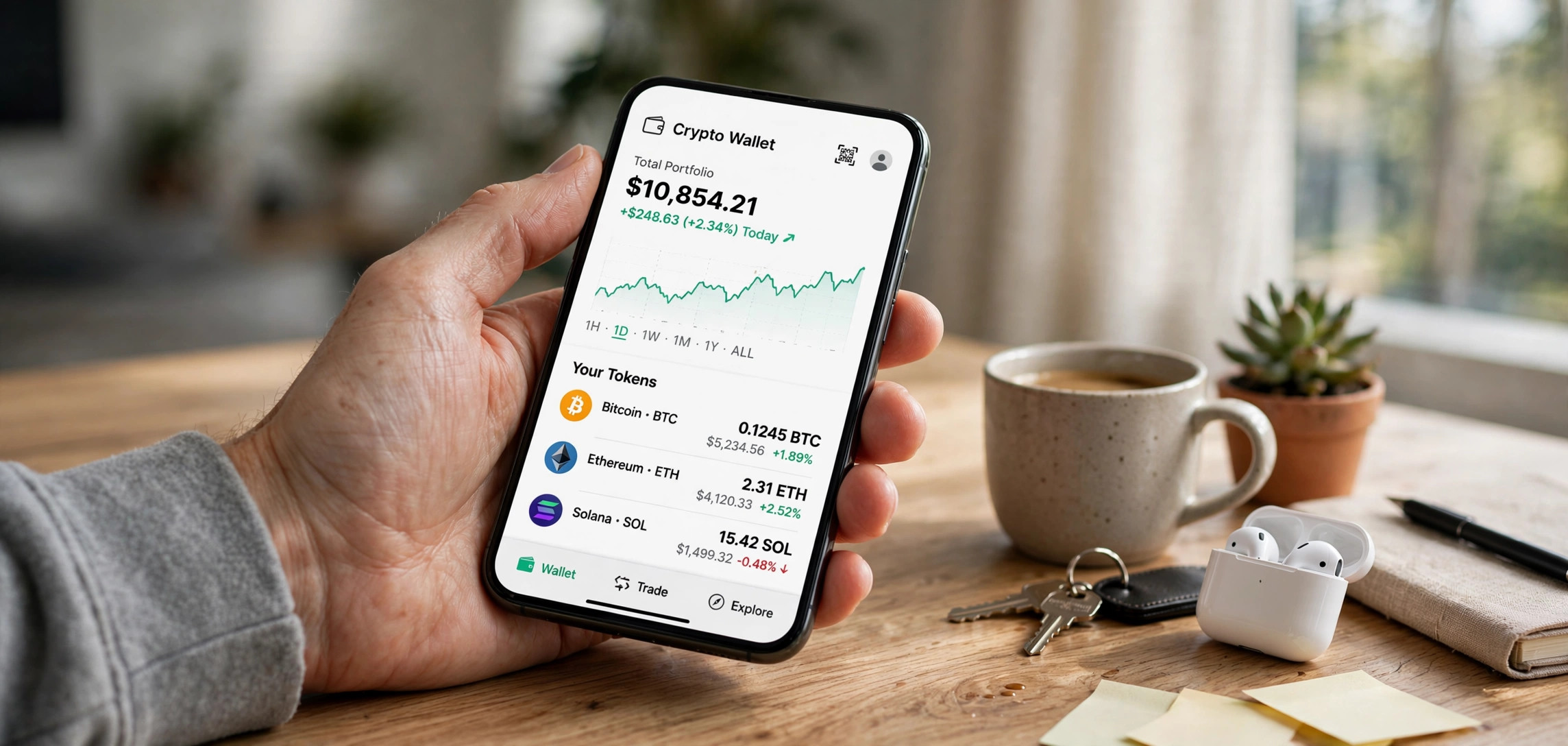
If you are figuring out how to sell SafeMoon on Trust Wallet, here is the honest starting point: the mechanics still work, but the token you are selling is not what it was in 2021. This 2026 guide gives you the full step-by-step swap process via PancakeSwap — and a clearly-labeled reality check on SafeMoon’s current status that you should read before moving a single token.
SafeMoon cannot be sold on most centralized exchanges anymore, so the Trust Wallet + PancakeSwap DEX route is effectively the only practical path left. The steps below assume you hold SafeMoon V2 (the migrated token) in Trust Wallet and have a small amount of BNB for gas fees.
2026 Reality Check: SafeMoon’s Current Status
Read this first. SafeMoon LLC filed for Chapter 7 bankruptcy in December 2023. A month earlier, the U.S. Securities and Exchange Commission charged the project and its executives with fraud, alleging they misappropriated investor funds. The token has lost more than 99% of its all-time-high value, major exchanges have delisted it, and development is effectively dead. What remains trades thinly on decentralized exchanges with minimal liquidity.
What does that mean for you practically? Three things:
- Expect dust, not dollars. Most remaining holders will recover only a tiny fraction of their original investment. Run the numbers before paying gas fees — a swap can cost more in BNB than the tokens are worth.
- Liquidity is razor-thin. Large sell orders may fail outright or suffer extreme slippage. Sell in small chunks if needed.
- Beware revival scams. Dead projects attract impersonators. There is no official “SafeMoon V3” or revival airdrop — anyone claiming otherwise and asking for your seed phrase or a “migration fee” is scamming you. Trust Wallet will never ask for your recovery phrase.
None of this is financial advice — it is simply the factual landscape in 2026. If you still want to exit your position, the steps below are the way to do it.
What You Need Before Selling
- Trust Wallet updated to the latest version, with your SafeMoon V2 tokens visible.
- A small amount of BNB (BEP-20, on BNB Smart Chain) in the same wallet to pay gas fees — typically well under $1 per transaction, but keep a few dollars’ worth as buffer.
- SafeMoon V2, not V1. SafeMoon migrated from V1 to V2 (a 1000:1 consolidation) back in December 2021. If you somehow still hold V1 tokens, they are not tradable on current liquidity pools — check which version you hold in Trust Wallet before proceeding.
- Realistic slippage settings. SafeMoon’s tokenomics include a transfer tax, and thin liquidity amplifies price movement. You will need a high slippage tolerance (10–15%) for the swap to execute.
Quick primer if the terminology is fuzzy: SafeMoon is a BEP-20 token, meaning it lives on BNB Smart Chain. Selling it means swapping it for BNB on a decentralized exchange, as explained in our step-by-step blockchain explainer. Trust Wallet’s built-in DApp browser connects you directly to PancakeSwap, the largest DEX on that chain.
How to Sell SafeMoon on Trust Wallet: Step by Step
Step 1: Open Trust Wallet and Check Your Balance
Launch Trust Wallet and confirm your SafeMoon V2 balance and your BNB balance. If BNB is missing, buy a small amount inside Trust Wallet via the Buy button, or transfer some from an exchange. Without BNB for gas, no transaction can execute — this is the most common reason swaps fail at the final step.
Step 2: Open the DApp Browser and Go to PancakeSwap
Tap the Browser (DApp) tab at the bottom of Trust Wallet. If you do not see it, enable it in Settings. Navigate to pancakeswap.finance — double-check the URL carefully, since phishing clones of DEX sites are one of crypto’s most common scams.
Step 3: Connect Your Wallet
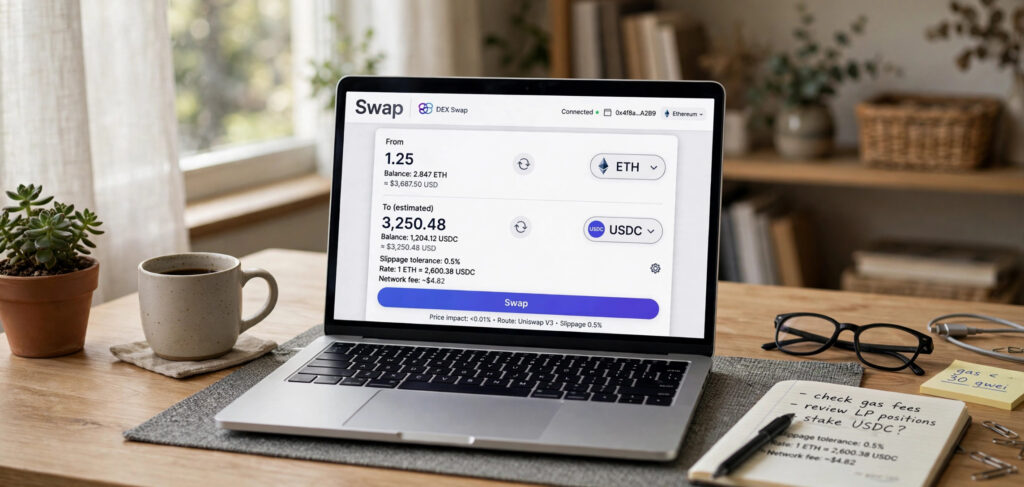
Tap Connect Wallet in the top-right of PancakeSwap and select Trust Wallet. Approve the connection prompt inside Trust Wallet. You should see your wallet address appear on the PancakeSwap interface, confirming the link.
Step 4: Set Up the Swap Pair
In the swap interface, set the “From” token to SafeMoon (you may need to paste the official V2 contract address and import it — verify the address from a reputable source, never from a random Telegram message). Set the “To” token to BNB. Enter the amount of SafeMoon you want to sell — consider starting with a small test amount given the liquidity situation.
Step 5: Adjust Slippage Tolerance
Click the settings gear icon and set slippage tolerance to 12–15%. This is higher than you would use for major tokens, but it is necessary here: SafeMoon’s transfer tax takes a cut of every movement, and thin liquidity means the price shifts between quote and execution. Too low, and the transaction reverts; too high, and bots can exploit the gap — 12–15% is the pragmatic middle ground holders report.
Step 6: Execute the Swap and Confirm in Trust Wallet
Tap Swap, review the details (estimated BNB received, price impact, fee), and confirm. Trust Wallet will pop up a confirmation showing the network fee — approve it. Wait for the BNB Smart Chain confirmation, usually under a minute. Your BNB balance should update; the SafeMoon will be gone.
Step 7 (Optional): Convert BNB to Cash
If you want fiat, send the BNB to a centralized exchange that supports your local currency, sell it there, and withdraw to your bank. Factor in withdrawal fees before deciding whether the whole exercise is worthwhile for a small position.
Troubleshooting Common Problems
“Insufficient BNB for gas”
Buy or transfer a few dollars of BNB (BEP-20) into the wallet. Note that BNB on other networks (like BNB on Ethereum) will not work — it must be native BNB Smart Chain BNB.
Transaction keeps failing or reverting
Raise slippage in 1–2% increments up to about 15%. If it still fails, the liquidity pool may be too thin for your order size — try a much smaller amount. Check the live price on a tracker first; price APIs feed the portfolio trackers most holders use, and a stale quote is a common failure cause.
SafeMoon doesn’t appear in the token list
Paste the V2 contract address manually and import the token. If the balance shows zero after importing, you may be looking at the wrong contract (V1 vs V2) — verify carefully.
The swap succeeds but I received almost nothing
That is the reality-check section in action: extreme low liquidity plus the transfer tax can vaporize small positions. This is normal for the token’s current state, not a bug.
Tax Note: Keep Records
Selling at a loss still counts as a disposal in most tax jurisdictions, and capital losses can offset gains elsewhere. Export your transaction history from Trust Wallet (or note the transaction hashes) before you close this chapter. Rules vary by country, so check your local requirements — but do not skip record-keeping just because the amounts are small.
After the Sale: Securing What’s Left
Once the swap confirms, your work is not quite done. First, revoke PancakeSwap’s token approval in Trust Wallet (or a revocation tool) so the DEX no longer has spending permission on your wallet — a good hygiene habit after using any DApp. Second, if this was your only reason for holding the wallet, consider moving remaining BNB to your main wallet rather than leaving dust across multiple addresses. Finally, if you ever re-enter crypto, apply the lesson this token taught thousands of holders: verify a project’s fundamentals, team, and tokenomics before buying, not after the bankruptcy filing.
Frequently Asked Questions
Can I still sell SafeMoon in 2026?
Technically yes, via decentralized exchanges like PancakeSwap through Trust Wallet’s DApp browser. Practically, liquidity is minimal and the token has lost over 99% of its peak value, so most holders recover only a fraction of their investment. Centralized exchanges have largely delisted it.
Why can’t I sell SafeMoon on Binance or Coinbase?
Major centralized exchanges delisted SafeMoon following its collapse, bankruptcy filing, and the SEC fraud charges against its leadership. DEX-only trading is the remaining option, which is why the Trust Wallet + PancakeSwap route in this guide exists.
Do I need SafeMoon V2 or V1 to sell?
V2. The project migrated from V1 to V2 in December 2021 at a 1000:1 ratio, and current liquidity pools are V2-based. V1 tokens cannot be sold on today’s pools.
How much slippage should I set for SafeMoon?
Start at 12% and adjust up to 15% if transactions revert. The token’s transfer tax plus thin liquidity demand far higher slippage than normal tokens. Never set it absurdly high (like 50%) — that invites front-running bots to take more than necessary.
Is SafeMoon a scam in 2026?
The company behind it went bankrupt in December 2023, and the SEC charged its executives with fraud in November 2023. Whether you label the token itself a scam, it is a defunct project with no active development. Treat any “revival,” “V3,” or “migration” offer as a scam until proven otherwise through official channels.
Can I sell SafeMoon directly for USD in Trust Wallet?
No. Trust Wallet has no direct fiat off-ramp for SafeMoon. The path is SafeMoon → BNB on PancakeSwap, then BNB → fiat on a centralized exchange. Each hop has fees, so do the math first.
Conclusion
How to sell SafeMoon on Trust Wallet boils down to a PancakeSwap swap: connect your wallet, pair SafeMoon V2 with BNB, set 12–15% slippage, confirm, and cash out the BNB elsewhere. The mechanics are simple — but go in clear-eyed. With the project bankrupt, its founders charged with fraud, and liquidity nearly gone, you are exiting a position, not executing a trade. Sell in small amounts, watch the fees, keep your records, and never trust anyone offering a “revival.”